PANMOX · ANNOUNCING · MMXXVI
Announcing

PMX OS.

A peer-to-peer internet, in an operating system.
Debian underneath. No cloud. No telemetry. No boss.

Release date — To be announced
First look Read the manifesto
↓ Manifesto
A peer-to-peer internetIn an OSDebian underneathKDE PlasmaNo cloudNo telemetryNo bossPhosphor mode A peer-to-peer internetIn an OSDebian underneathKDE PlasmaNo cloudNo telemetryNo bossPhosphor mode
// MANIFESTO

PMX OS is a complete desktop operating system built around one idea: the internet should belong to the people on it. No cloud. No telemetry. No boss. It’s the native home for everything PANMOX — and it’s unmistakably ours from the moment it boots.

// 01 · WHAT IT IS

An OS that’s unmistakably ours.

A complete desktop. Not a fork. Not a theme. An operating system with its own face, its own front door, and PANMOX in its bones from the moment it boots.

// 02 · BUILT ON

The hard parts, done right.

Debian — the most trusted, security-maintained Linux base there is — with a KDE Plasma desktop rebuilt into something purely PMX. UEFI and BIOS. Live from USB. Installs to disk when you’re ready.

// 03 · THE ONE APP THAT SHIPS WITH IT

AltNet Studio, in the box.

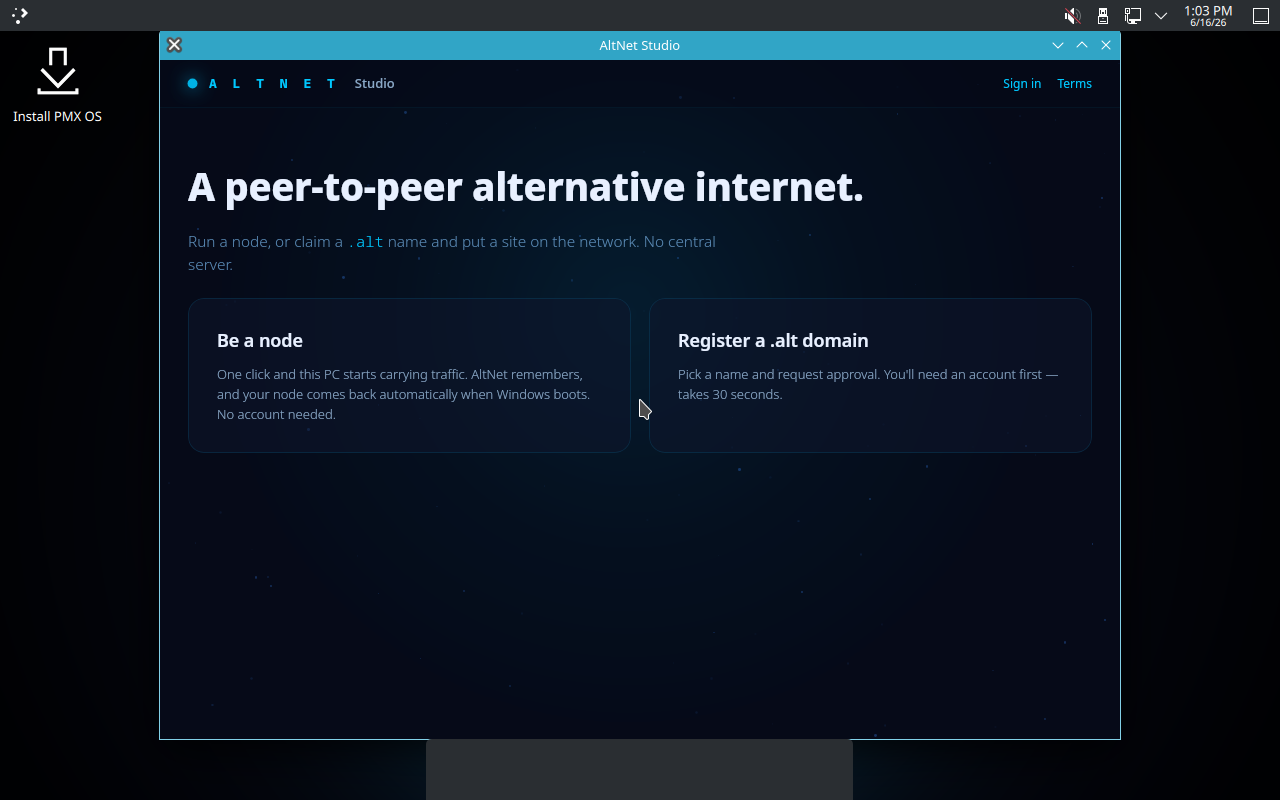
The first PANMOX app to come pre-installed. Run a node, or claim a .alt name, the moment you boot. More of the catalog joins in future versions.

// 04 · TWO FACES, ONE OS

Flip to phosphor.

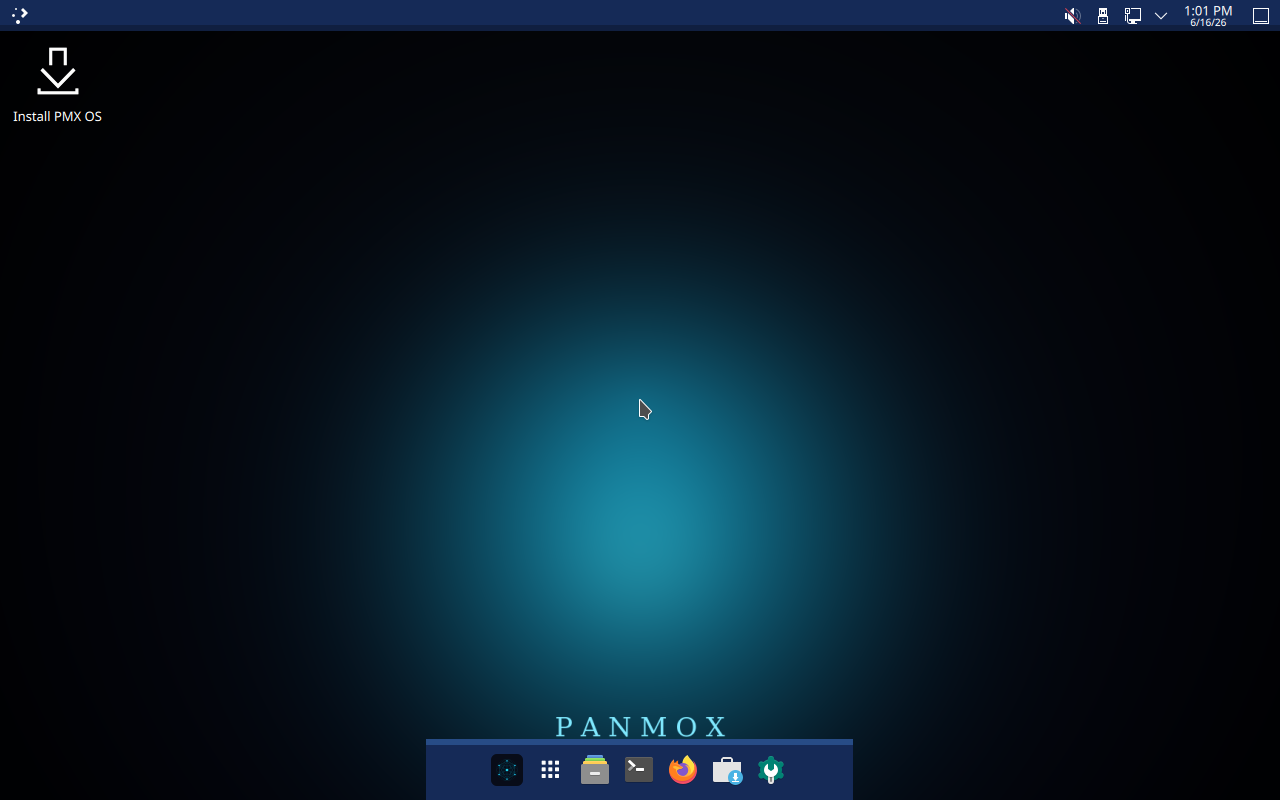
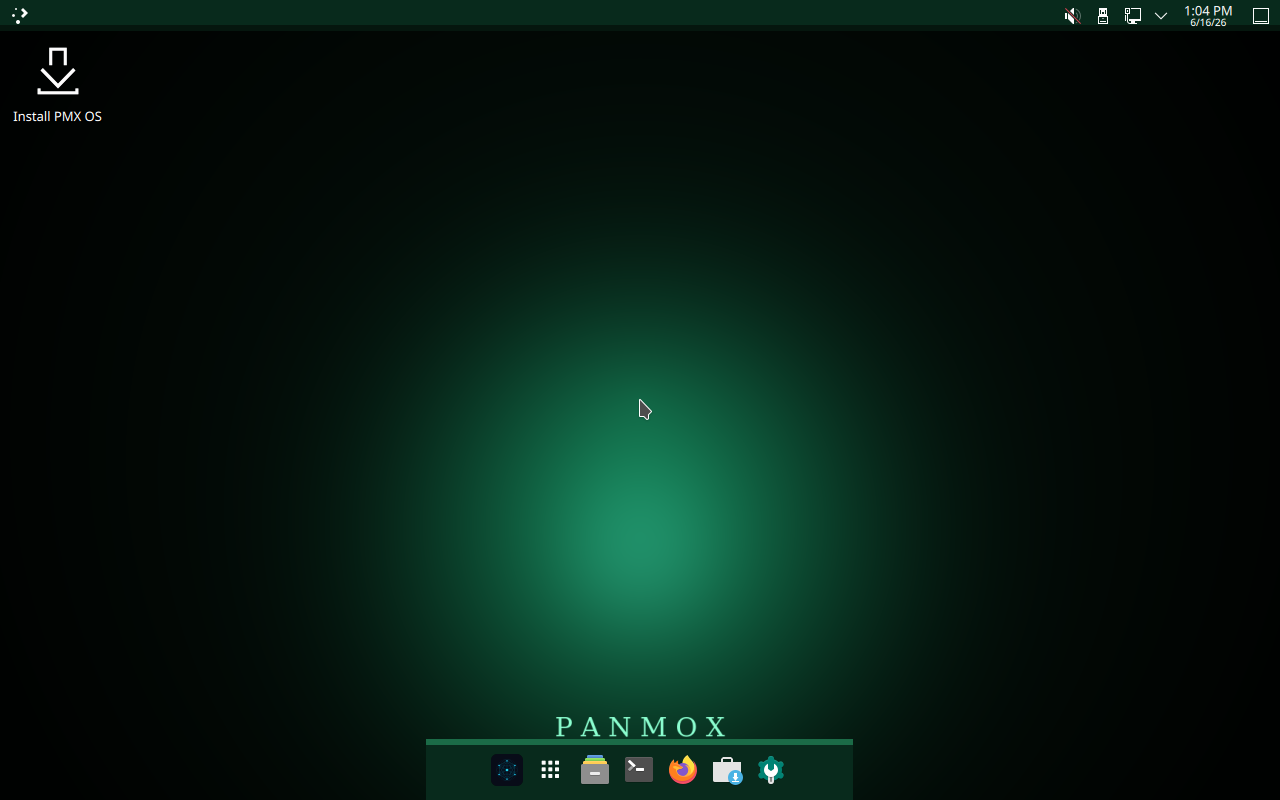
One click swaps the whole desktop from deep-cyan to retro phosphor-green. Wallpaper, dock, accents — the lot. Try the toggle in the corner of this page.
// FIRST LOOK

Six screens,
torn across the page.

Hit the phosphor toggle (top-right) to flip the wallpaper and terminal shots into retro green — live.

PMX OS desktop PMX OS phosphor desktop
// 01
The desktop.
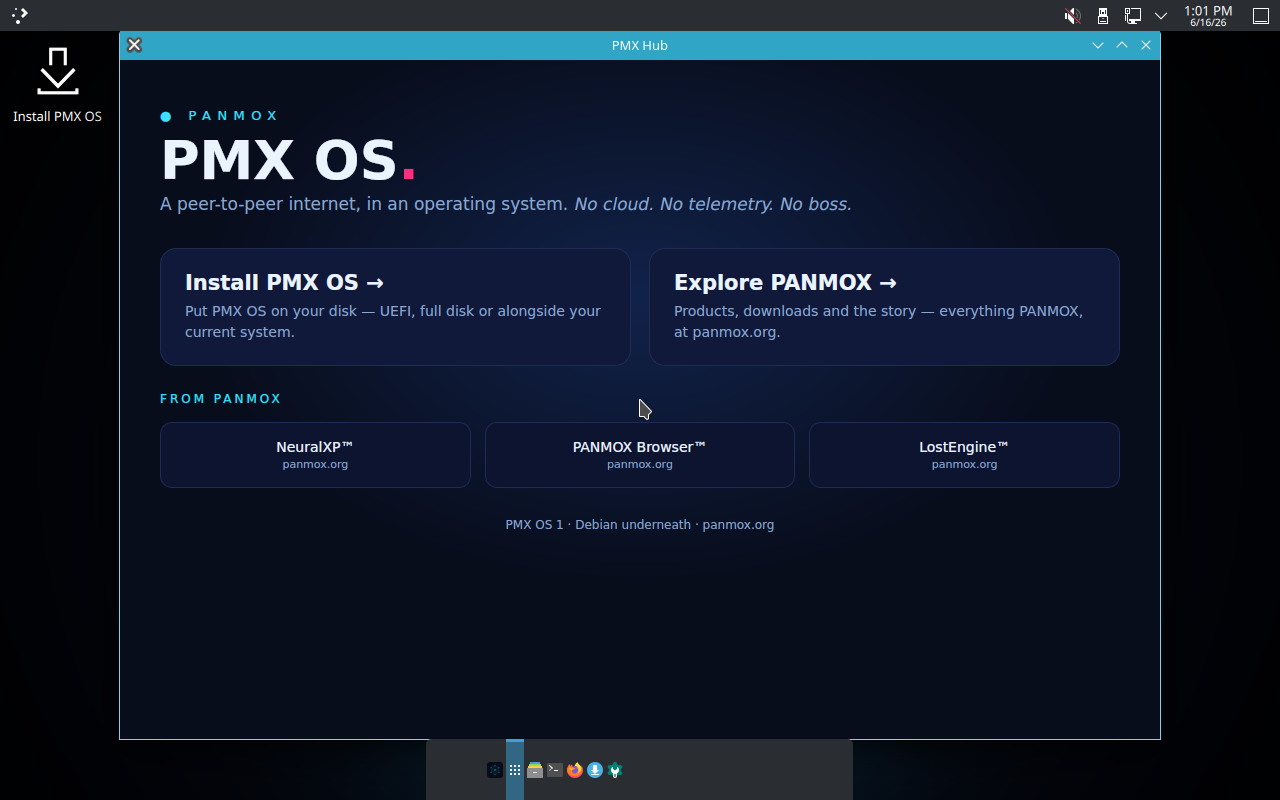
PMX Hub
// 02
PMX Hub.
AltNet Studio on PMX OS
// 03
AltNet Studio.
PMX OS terminal with fastfetch PMX OS phosphor terminal
// 04
In the terminal.
Phosphor mode desktop
// 05
Phosphor desktop.
Phosphor mode terminal
// 06
Phosphor terminal.
// GETTING IT

Switching will be painless.

When PMX OS ships, you won’t need to be a Linux wizard to run it. LinuxSimplify — our Windows→Linux guide — will walk you onto it, step by step, in plain English.

1

Run it on Windows.

Open LinuxSimplify on your current PC. It reads your hardware and tells you exactly what to expect — no terminal, no guesswork.

2

It builds your USB.

One click writes a bootable PMX OS stick. LinuxSimplify even tells you which key to press to boot from it.

3

Boot & keep going.

Try PMX OS live first. Install to disk when you’re ready — full disk, or right alongside Windows. Your call.

Planned at launch

LinuxSimplify ships today as a standalone Windows app. When PMX OS arrives, the same guide will hand you straight onto it. See LinuxSimplify →

// WHAT’S INSIDE

Three doors.

// 01

PMX Hub.

Your front door. Install, explore, and reach the whole PANMOX catalog from one place.

// 02 · PRE-INSTALLED

AltNet Studio.

The one PANMOX app that ships in the box. Be a node, or register a .alt domain, in a click.

// 03

Phosphor mode.

Flip the entire desktop from deep-cyan to retro phosphor-green. Two faces, one OS.

// ON THE ROADMAP

The rest of PANMOX, coming home.

Today, AltNet Studio is the only PANMOX app baked in. In future versions, we want the whole catalog pre-installed and ready the moment you boot.

PlannedNeuralXP.Offline A.I. PlannedPANMOX Browser.Private · v1.2 PlannedLostEngine.Wrong search
PMX OS 1Debian underneathKDE PlasmaLive USB · Installs to diskUEFI + BIOSRelease date — TBA PMX OS 1Debian underneathKDE PlasmaLive USB · Installs to diskUEFI + BIOSRelease date — TBA
// WHAT WE BELIEVE

An OS where the internet still belongs to you.

PMX OS 1 · Debian underneath · panmox.org