LinuxSimplify™
Switch from Windows to GNU/Linux, the easy way.
A simple app that helps you switch from Windows to GNU/Linux. It scans your hardware, recommends a distro that fits your system, downloads it, and flashes it to a USB drive — all in one flow.
How it works
1
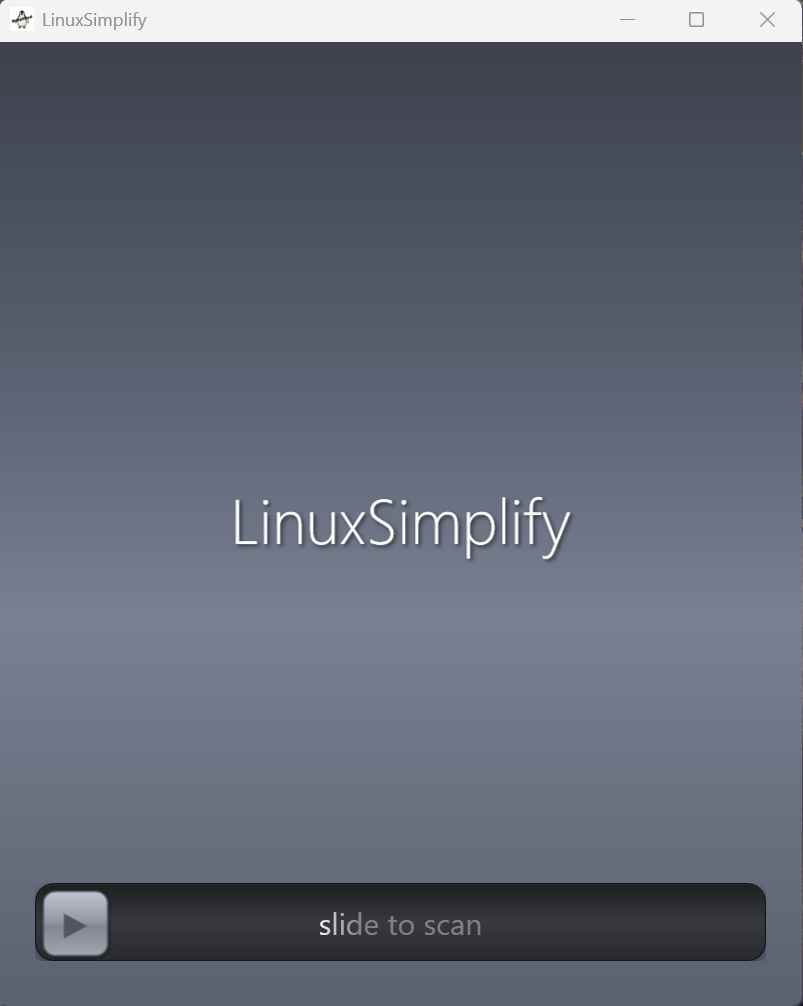
Slide to scan your hardware
2
Pick a distro — the app recommends the best ones for your system
3
Download the ISO (automatically finds the latest version)
4
Flash it to a USB drive
5
Boot from USB and install
Features
- Detects CPU, RAM, GPU, storage, and boot mode
- Filters out incompatible distros
- Recommends the best fit for your system
- Auto-resolves the latest download links so they never go stale
- Verifies downloads with SHA256 checksums
- Cleans up ISOs after flashing
- Raw USB flashing (like dd/Rufus)
- Auto-detects USB drives when plugged in
- Ubuntu
- Fedora
- Linux Mint
- Debian
- Arch Linux
- EndeavourOS
- Pop!_OS
- Lubuntu
- Zorin OS
- Trisquel
V0.1 — March 2026
Ready to switch?
Download LinuxSimplify for Windows.